The steps to use Vident iEasy300 OBD2 Code Reader:
Connect iEasy300 to the vehicle and turn on ignition

The protocol supported will show on the screen
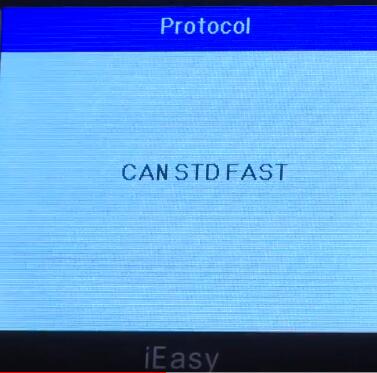
System status

Control module

Select the corresponding module and enter
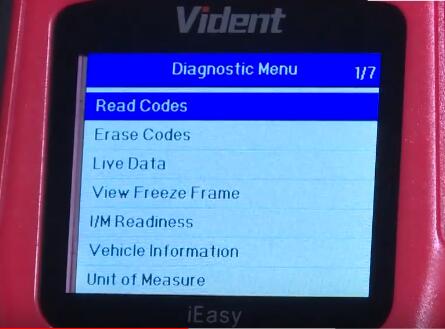
There are 7 options in the diagnostic menu:
Read codes
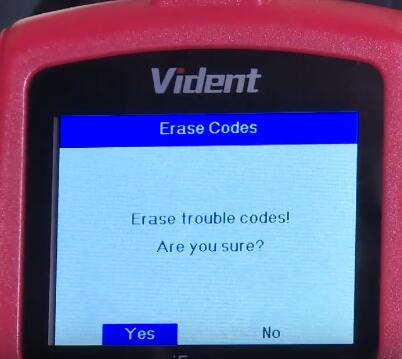
Erase codes
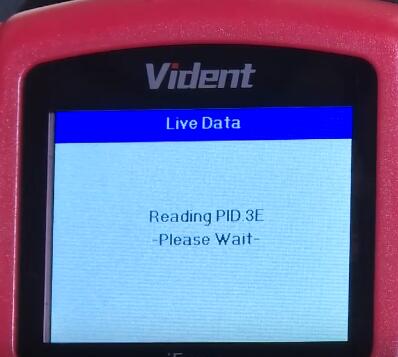
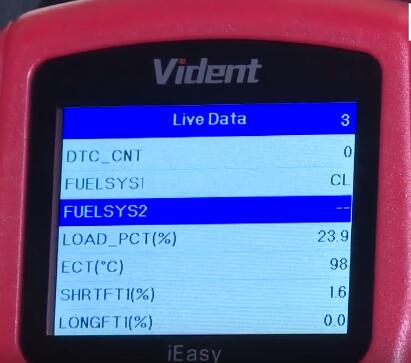
Live Data
View Freeze Frame
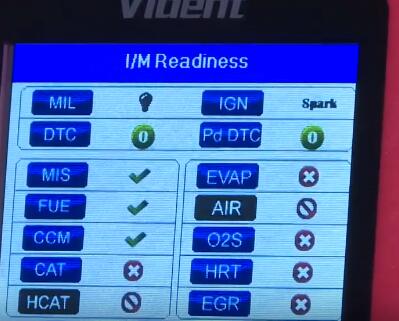
I/M Readiness
Vehicle Information
Unit of Measure
Read codes incl. stored codes, pending codes and permanent codes
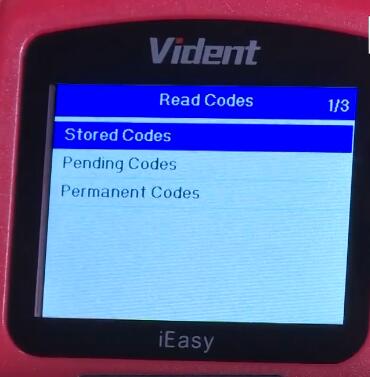
This is pending codes

Live data


Erase codes

I/M Readiness